
1xBet Android App: Installation, Features and FAQ
You can think of the 1xBet APK as the app's installer delivered outside google play: same application, different delivery on a standard phone. The walkthrough below covers installation, Features and FAQ, with the mobile-site fallback covered at the end.
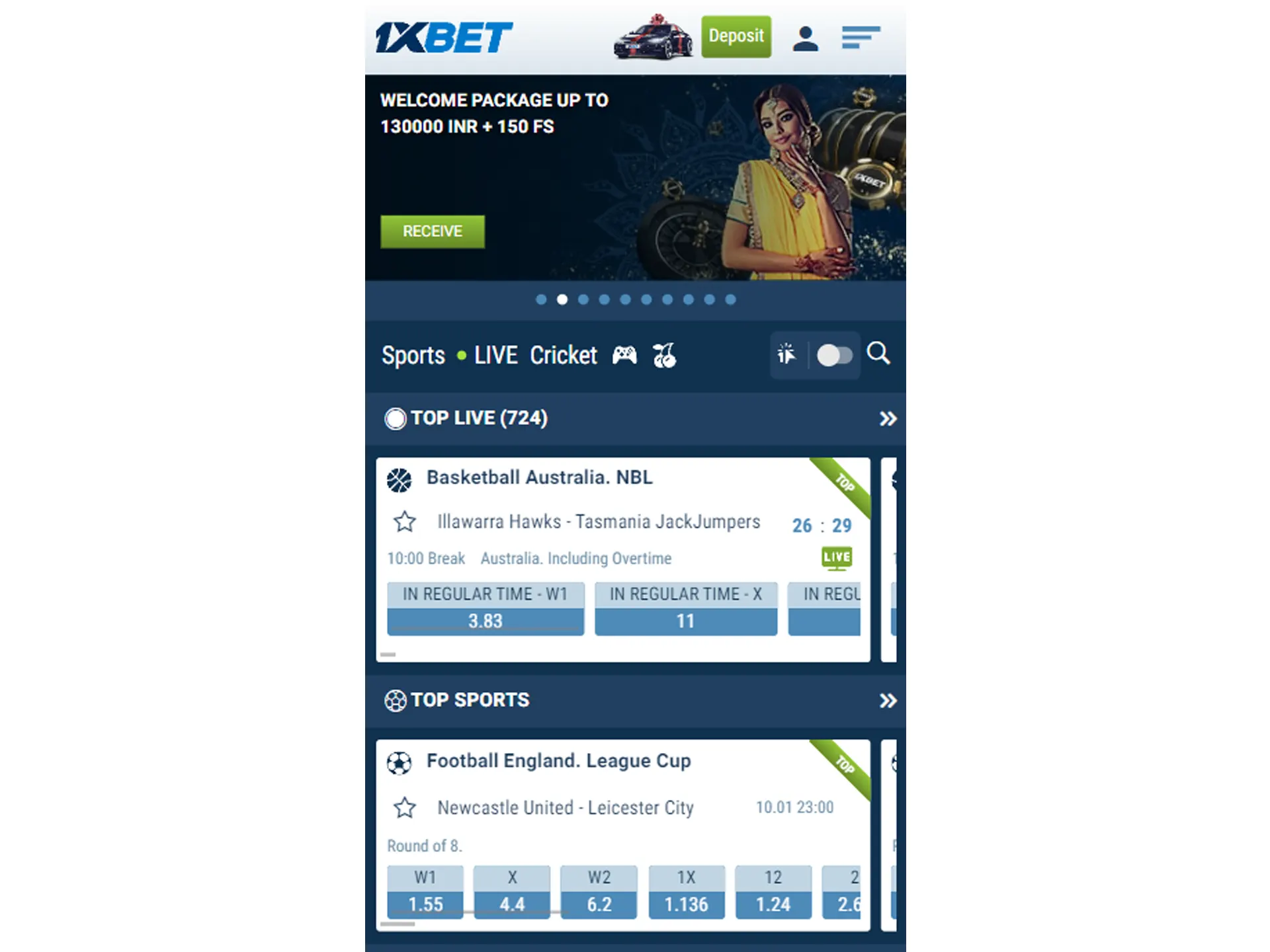
What the 1xBet App Package Is
APK expands to Android Package Kit, the usual file format Android uses to ship and install applications. The 1xBet APK bundles the bookmaker's sportsbook, casino, live dealer rooms, payment tools, and account management into a single installable file. Once installed, it behaves like any other app on your device, with its own icon, permissions, and stored data.
The reason this file usually comes from the operator's site rather than an app store is policy, not quality. Google's Play Store restricts real-money gambling apps in many countries, so operators distribute their Android builds directly. That makes the download source the single most important safety factor, which is why the next sections spend real time on verification.
It is also worth knowing what the APK is not on Android. It is not a hacked or modified version of anything, and it is not a different product from the app some users find in regional app stores. It is simply the same software delivered through a different channel, signed with the developer's certificate so Android can verify its integrity during installation and future updates.
The 1xBet APK Download Guide
The only safe starting point is the operator's own web presence, reached by typing the address yourself or using a bookmark you trust. Search engine results can surface lookalike pages, and third-party "APK mirror" sites sometimes repackage files with unwanted additions. A dedicated 1xBet app page, such as 1xbet app download apk free, is the natural place to find the current Android build along with basic setup information.
Before you touch the download button, run through a short checklist. It takes under a minute and prevents most problems users report later.
- Confirm the domain name is spelled correctly, with no extra words, dashes, or strange extensions.
- Check that the connection is secured (the padlock icon in your browser's address bar).
- Make sure the page offers an Android package specifically, not a desktop program or an unrelated file.
- Verify you have enough free storage for the file plus the unpacked app and its data.
- Use a stable connection, ideally Wi-Fi, since interrupted downloads produce corrupted files that refuse to install.
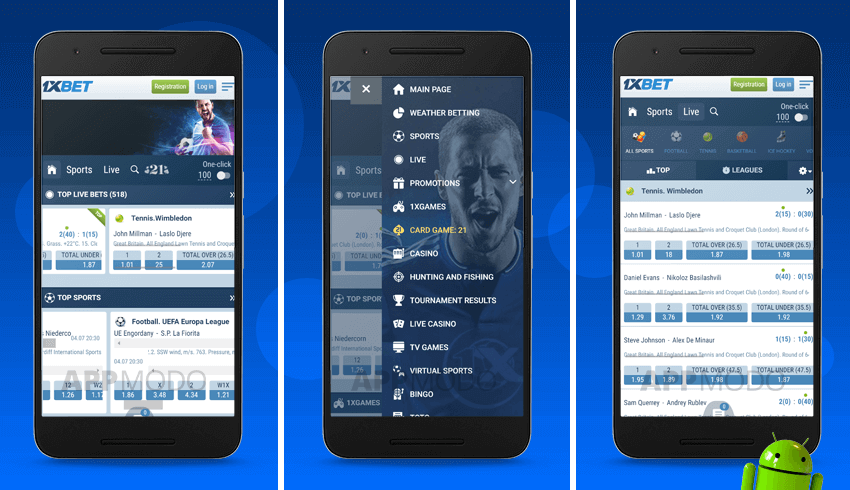
Once the file lands on your device, it sits in your Downloads folder as a .apk file. Do not rename it or pass it through "cleaner" apps before installing. If the download stalls or the file seems suspiciously small, delete it and fetch a fresh copy rather than trying to install a partial package.
The 1xBet App Installation Process
Installing an APK on Android requires one extra step compared with store installs: granting permission for install attempts that originate outside Google Play. Modern Android versions handle this per source app, meaning you authorize the specific browser or file manager you used, not the whole system. You can revoke that permission right after installation, and doing so is good practice.
- Download the APK file to your device as described above.
- Start your notification shade or file manager and touch the downloaded file.
- When Android warns about installs from unknown sources, tap Settings in the dialog.
- Enable "Allow from this source" for the browser or file manager you are using on Android on your device.
- Return to the installer screen and touch Install during setup.
- Wait for confirmation, then head into the app and log in or register.
- Go back to the same setting and switch the permission off again on your device.
The whole process takes a couple of minutes on a typical device. During first launch, the app may request permissions such as notifications or storage access; grant only what you actually need, since most betting functions work fine with minimal access. If your device runs a heavily customized Android skin, the exact menu names may differ slightly, but the logic stays the same.
One practical tip: keep the downloaded APK file until you have confirmed the app opens, logs in, and displays your balance correctly. If something goes wrong during first launch, having the file on hand saves you a second download. After that, you can delete it to free space.

The 1xBet App Update Guide
Because the app usually did not come from Google Play, it will not auto-update through the store. The app typically notifies you inside its own interface when a new build is available, and the update installs the same way the original file did: download the new APK, tap it, and confirm. The fresh package installs over the old one, keeping your login and settings in most cases.
There is one hard rule here: Android only allows an update to install over an existing app when both packages are signed with the same developer certificate. If you ever try to install a build signed differently, the system will refuse with an error. That is exactly why updates must come from the same trusted source as the original download, not from random sites offering "newer" versions.
| Update situation | What to do | Risk if ignored |
|---|---|---|
| In-app update prompt | Download the new APK from the same trusted source | Outdated features, possible login issues |
| "App not installed" on update | Check the file source matches your original install | Certificate mismatch blocks the update |
| Repeated update failures | Back up account details, uninstall, reinstall fresh | Local app data can be lost on uninstall |
| No update prompt for a long time | Manually check the download page for a newer build | Running an unsupported old version |
Be aware that uninstalling the app before reinstalling can wipe locally stored data such as cached settings. Your account balance and bet history live on the operator's servers, not on your phone, so they survive a reinstall, but anything saved only on the device may not. When in doubt, note down your login credentials before you remove anything.
Features of the 1xBet Mobile App
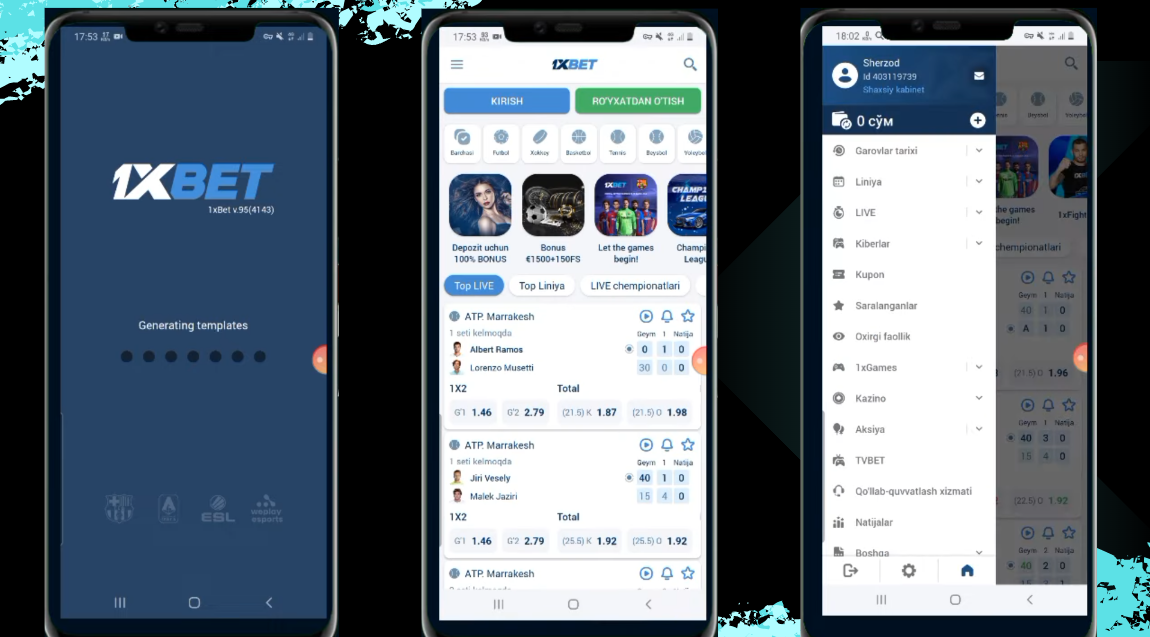
The app mirrors the full desktop product rather than offering a stripped-down subset. Sports betting covers pre-match and live markets, with the in-play section updating odds in real time and often including live statistics, match trackers, and, where available, streaming. Casino users get slots, table games, and live dealer rooms inside the same account, with the wallet shared across products.
Account management is fully self-service. Registration, verification document uploads, deposits, withdrawals, bonus activation, and bet history all live inside the app, so you rarely need to touch the desktop site. A full 1xBet download page, like 1xbet app download mobile app download, usually summarizes which features the current build supports, which is useful because availability of specific payment methods, streams, and games varies by region, operating system, and app release.
- Pre-match and live sports betting with quick bet slip handling
- Casino, live casino, and instant games under the same login
- Deposit and withdrawal tools with region-specific payment options
- Push notifications for bet settlements, promotions, and match events
- Biometric or PIN login on supported devices for faster access
- Built-in customer support channels such as live chat
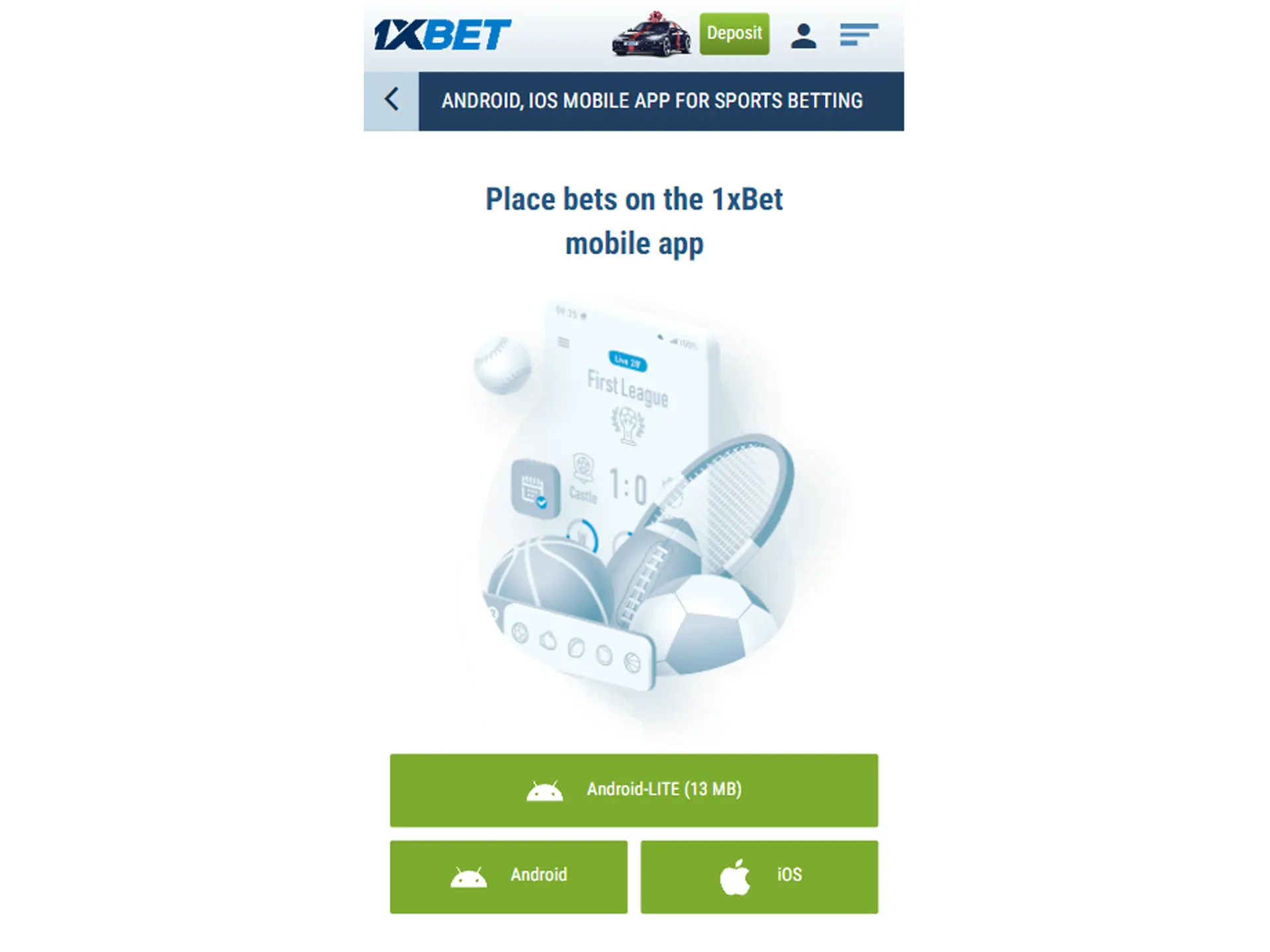
Performance is where the native app earns its place. Pages load faster than a browser tab, the bet slip responds instantly, and live odds refresh without manual reloading. On modest hardware the difference is noticeable, particularly during busy in-play moments when every second of delay costs you a price change.
Dealing with 1xBet Install Errors
Most installation failures fall into a handful of predictable categories, and nearly all of them have simple fixes. The issue messages Android shows are generic, so matching the symptom to the cause is the real skill. The table below maps the common messages to their likely causes and remedies.
| Error or symptom | Likely cause | Fix |
|---|---|---|
| "App not installed" | Corrupted file or certificate mismatch with an existing install | Re-download from the trusted source; uninstall the old copy first if needed |
| "Parse error" | Incomplete download or a file incompatible with your Android version | Delete the file, download again on stable Wi-Fi |
| Install button greyed out | Unknown-source permission not granted for the installing app | Turn on "Allow from this source" for your browser or files app |
| "Insufficient storage" | Not enough free space for the package and unpacked data | Clear cache and unused files, then retry |
| App installs but won't open | Conflicting old version or device restrictions | Restart the phone; uninstall and reinstall cleanly |
A few extra checks solve the stubborn remainder. First, confirm your Android version still meets the app's minimum requirement, since very old devices eventually fall off the support list. Second, disable any VPN or "private DNS" filtering during the download if the file keeps failing to fetch, as some configurations block the connection. Third, if a security app flags the package, verify once more that the file came from the genuine source before dismissing or heeding the warning.
- Delete the problematic APK file completely.
- Restart the device to clear stalled installer states.
- Free up storage well beyond the file size alone.
- Re-download the package over a stable connection.
- Confirm the unknown-source permission for the exact app doing the installing.
- Install, launch, and log in before revoking the permission again.
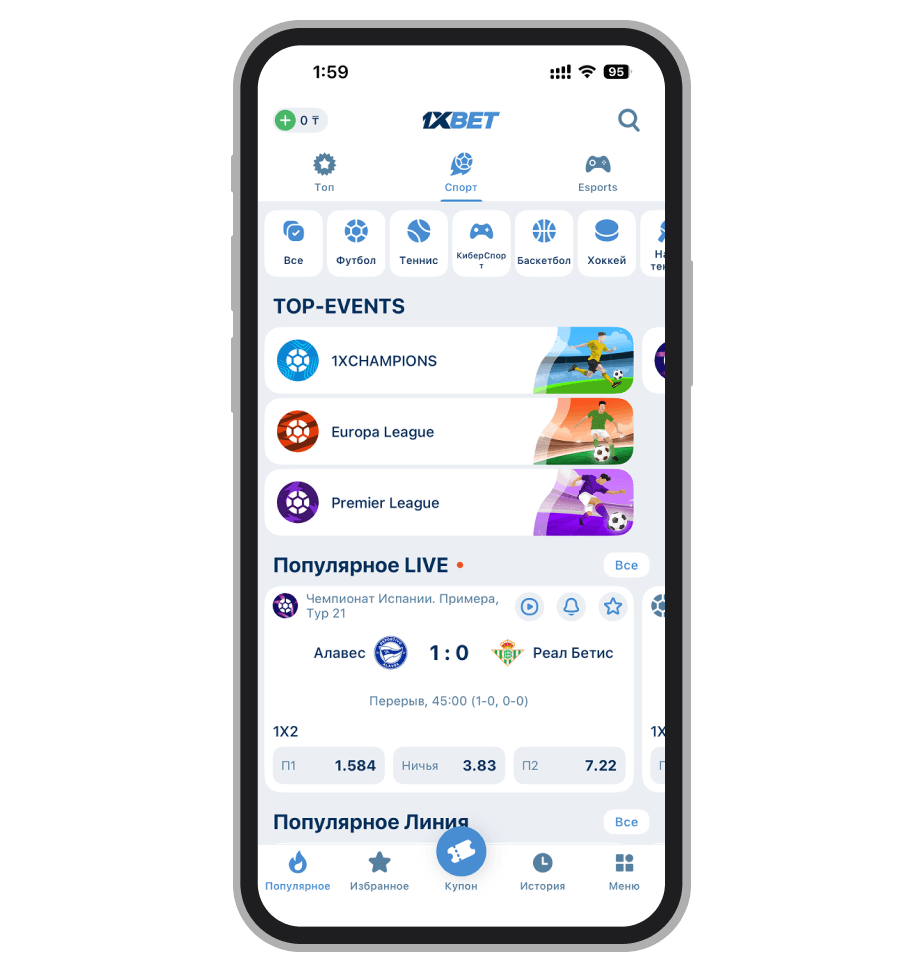
The 1xBet App Against the Mobile Site
The mobile website is the zero-installation alternative: open the browser, log in, and everything works without touching system permissions. For users on shared devices, locked-down work phones, or hardware with little free storage, the browser version is a perfectly reasonable choice. It also updates automatically, since you always load the current version from the server.
The native app wins on speed, stability, and convenience for regular use. Push notifications alone justify it for live bettors who want settlement alerts and price movement warnings without keeping a tab open. Login sessions also tend to persist longer in the app, and the interface is tuned for one-handed use in a way a responsive website cannot fully match.
- Choose the app if you bet regularly, want notifications, and value speed.
- Choose the mobile site if you bet occasionally, share the device, or cannot install outside-store software.
- Use both: many users keep the app for live betting and fall back to the browser when troubleshooting.
Neither option changes your account, odds, or limits, since those live server-side. The choice is purely about the client you prefer, and you can switch between them freely with the same credentials.
FAQ
Is the 1xBet APK safe to install on my Android device?
The package itself is the operator's standard software, so safety depends almost entirely on where you download it. Get the file only from the operator's genuine website, verify the domain and secure connection, and avoid third-party mirror sites that repackage files.
Why does Android block the installation and how do I allow it?
Android blocks installs from outside official stores by default as a security measure. When prompted, enable "Allow from this source" for the browser or file manager you are using, complete the installation, and then switch the permission back off for everyday safety.
How do I update the 1xBet app without losing my account in practice?
Updates normally install over the existing app when you download the new build from the same trusted source, keeping your login intact. Your balance and bet history are stored on the operator's servers, so even a full reinstall does not affect them, though local app data can be lost when uninstalling.
What can I do if the app refuses to install or keeps crashing?
Start by re-downloading the file over stable Wi-Fi, since corrupted downloads cause most failures, and check that you have enough free storage. If an old copy is present, uninstall it first, restart the device, and install the fresh package with the unknown-source permission correctly set.
Do I need the app, or is the mobile website enough on Android?
The mobile website covers the same betting and casino features without any installation, so it is enough for occasional use. The app is the better daily driver thanks to faster loading, push notifications, and a more responsive live betting interface, but both work with the same account.